What Is a POS Display? Types of Point-of-Sale Units and Their Impact
A POS display is a unit that meets the product at the exact moment and place where the purchase decision is made. This guide covers the difference between POS and POP, every unit type, the design rules and when a POS display actually earns its place.
Ata Dizayn Design & Production Team8 min readUpdated: September 26, 2026
Key takeaways
POS (Point of Sale) refers to where the transaction happens; POP (Point of Purchase) refers to where the decision is made — in most stores these are not the same place.
Till-point units, aisle stands and shelf-mounted hang-ons serve different behaviour models and cannot be solved with the same design rules.
For a till-point unit, footprint and one-handed pick-up decide everything; for an aisle unit, legibility at distance does.
POS displays deliver the highest return on low-priced, impulse-decision products; on higher-priced items their role shifts towards information.
The success of a POS unit is measured with three figures: refill frequency, weekly sales per unit and how long it stays in store.
POS and POP are the two most frequently confused abbreviations in retail. Both describe display at the point of sale, but they point at different things. The distinction is not an academic detail: it directly determines where a unit goes and how it is designed.
This article first clears up the terms, then covers the types of POS unit, the design rules for each, the product categories where they work, and how their performance should be measured. Every unit type mentioned here is listed on the display solutions page.
The difference between POS and POP
POS — Point of Sale — is where the transaction physically happens: the till. POP — Point of Purchase — is where the decision is made, and that usually happens long before the till, in front of the product. In everyday industry usage both display types are commonly gathered under the heading “POS display”, and we follow that usage here; but when design decisions are being made, the distinction matters.
The unit at the till accelerates a decision; the unit in the aisle starts one. Designing both from the same brief means leaving both half finished.
The practical consequence is this: a unit at the till catches the shopper while they are queuing, hands full and under time pressure. A unit in the aisle meets them while they are still browsing, with both hands free and open to comparison. Neither the ergonomics nor the communication language of these two situations can be the same.
Types of POS unit
Till-point and countertop units
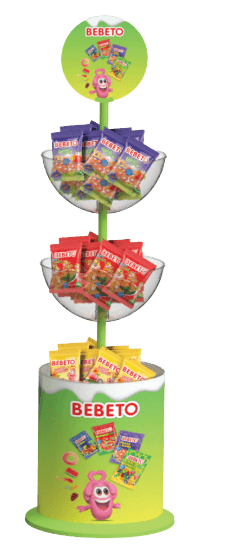
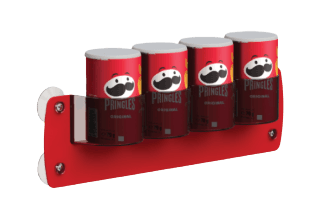
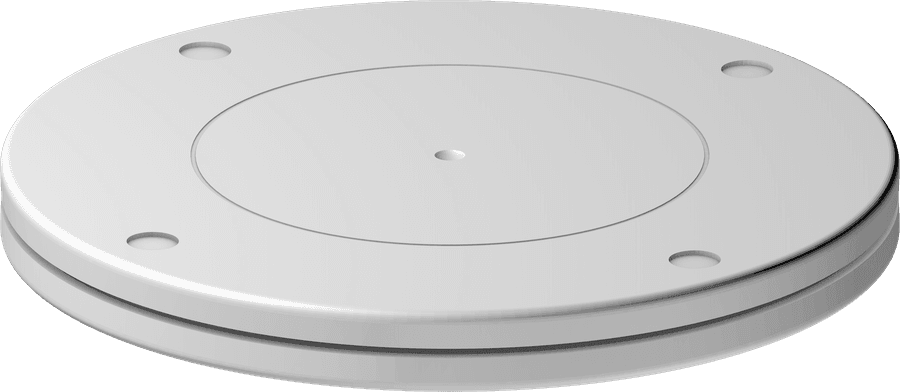
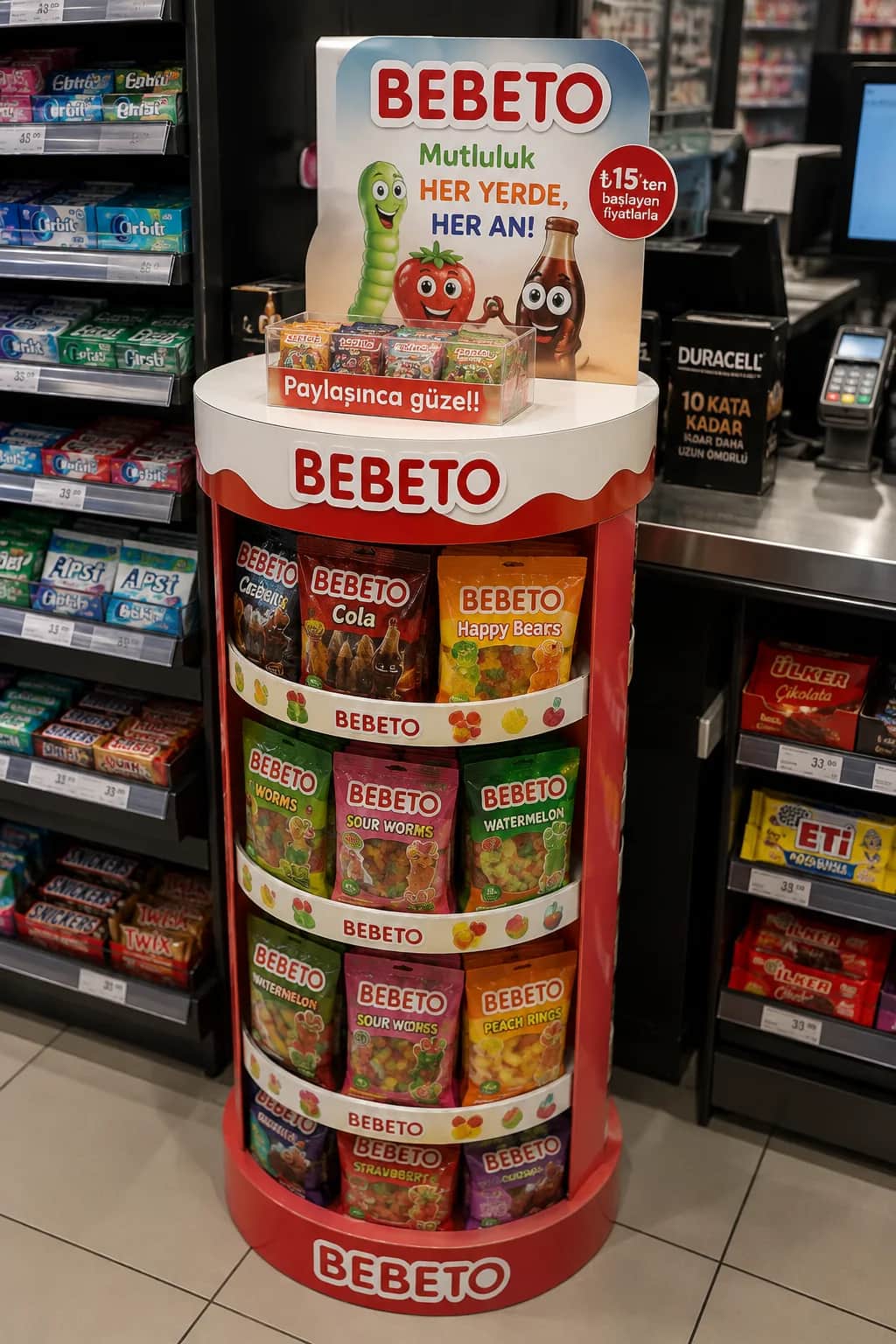
Compact units, typically 200–450 mm tall, that sit beside the checkout belt or on the counter. This is the classic territory of gum, confectionery, batteries, razors, small cosmetics and single-use products. Because counter space is the most expensive surface in the store, footprint is the most critical design parameter; a few centimetres too many can get the unit rejected. For countertop models, see our bowl display stands page, which also covers the transparent sphere models.
Aisle and aisle-entrance stands
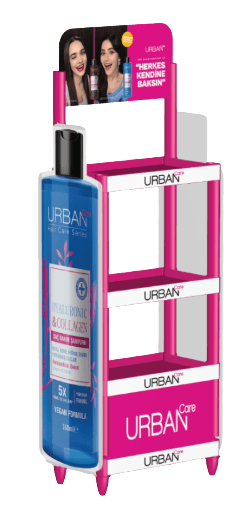
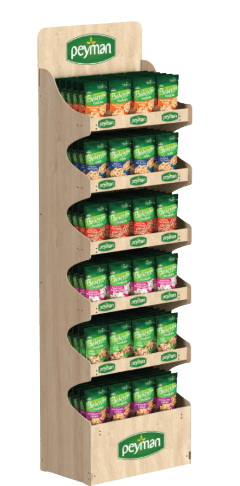
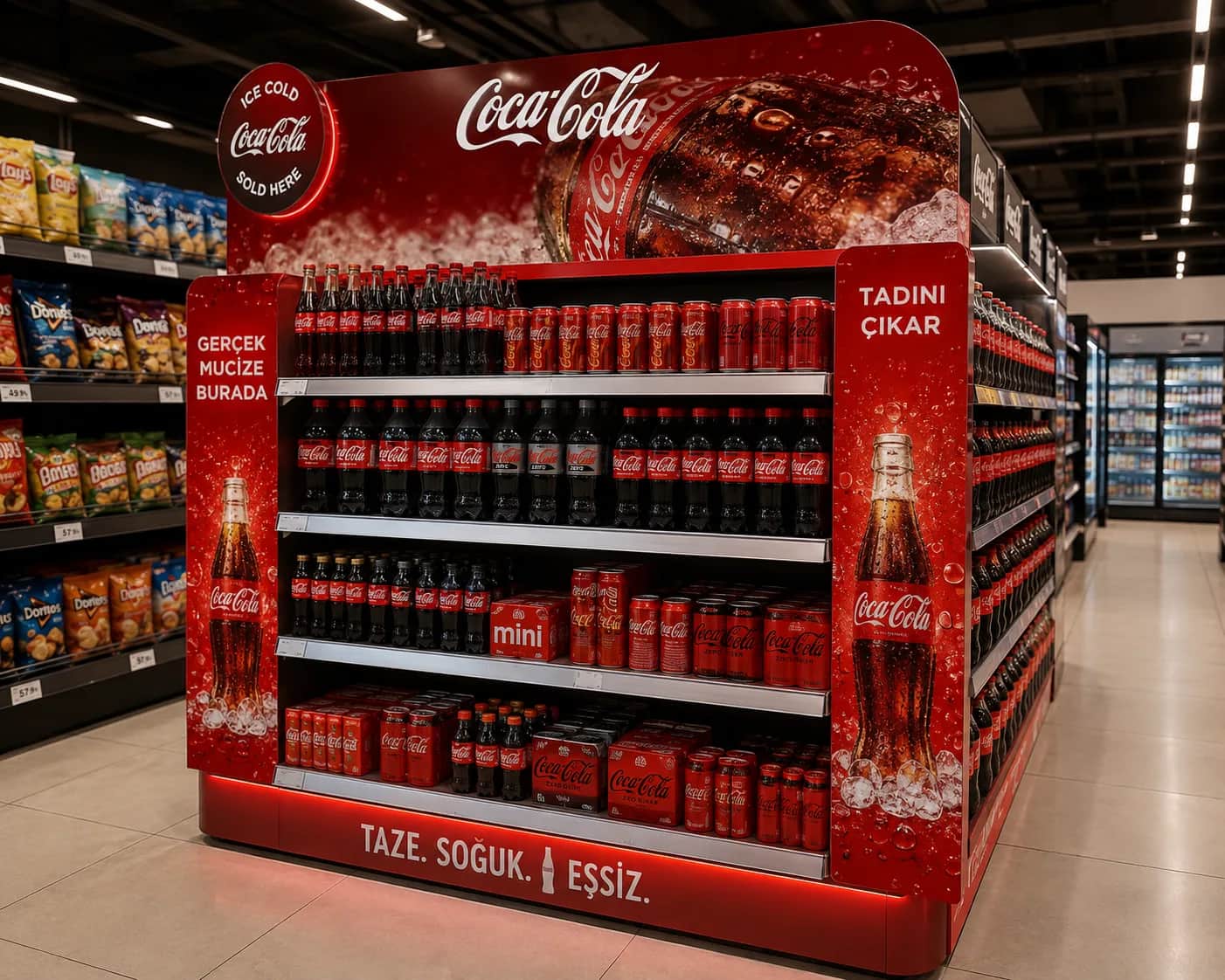
Floor units placed inside or at the head of a category aisle. Because their job is to stop the shopper, legibility at distance decides everything: header height, colour contrast and product silhouette must read from three metres away. Since they carry load, their bodies are injection moulded; see our injection floor displays page for detail.
Shelf-mounted and shelf-edge hang-ons
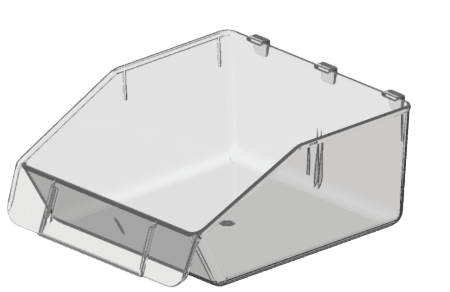
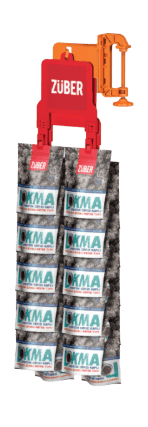
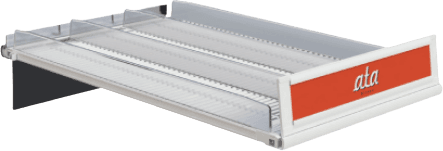
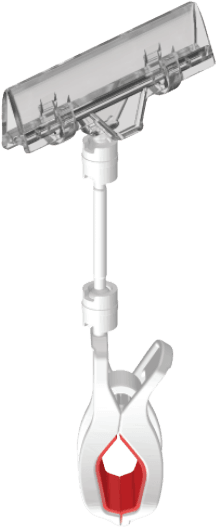
Units with no floor of their own that attach to existing shelving. Because they ask the store for no space, they are the easiest typology to get approved. Clip strips on the shelf edge, mini trays that sit on the shelf and front rails all belong here. Our hang-on displays page covers usage examples.
Window and glass-surface units
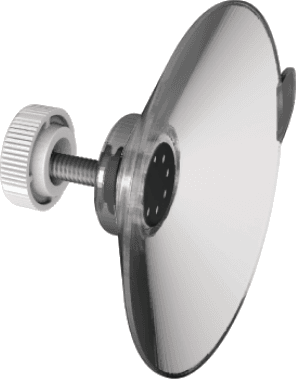
Solutions that attach to glass with suction cups, turning cabinet doors and window glass into display area. Because they need no drilling or fixed mounting, they are widely used in leased retail space and on cooler doors. You will find details on our suction cup display solutions page.
Pallet and island units
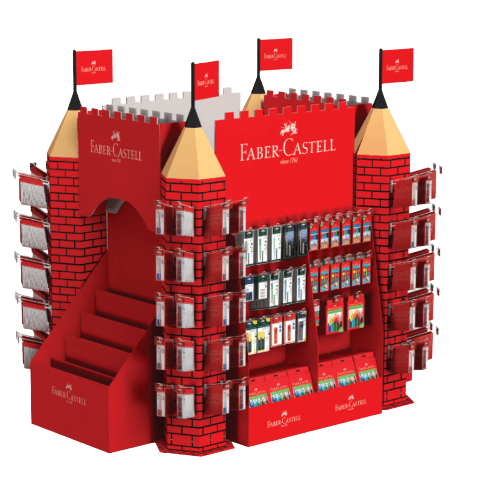
High-volume displays built in the open areas at the centre of the store. During promotions they gather hundreds of units of a single product at one point, creating a price perception. Frame systems dressed around a loaded pallet are the fastest-to-install form of this group.
Design rules by location
The table below summarises why the same brand’s units in different locations have to be designed differently.
Location
Shopper state
Deciding criterion
Typical product
Till point
Queuing, hands full, time pressure
Small footprint, one-handed pick-up
Gum, batteries, single-use items
Aisle entrance
In motion, scanning surroundings
Legibility at distance, silhouette
Beverages, snacks
Within category
Comparing options
Information area, product access
Cosmetics, personal care
Shelf edge
Looking at another product
Entering the field of view, slim profile
Complementary products
Window / glass
Viewing from outside
Clarity, mounting safety
New products, launches
Which products do POS displays work for?
POS units deliver the highest return in categories where the decision is fast, the price is low and the product is familiar. As decision time lengthens, the role of the unit changes: it shifts from triggering a sale towards informing.
High return: Confectionery, gum, snacks, beverages, batteries, single-use personal care. The decision takes seconds and the unit’s job is to bring the product to eye level.
Medium return: Cosmetics, skincare, home care. The decision takes minutes, so the unit must carry information and allow trial.
Information-led: Electronics accessories, health products, technical goods. The unit does not sell directly; it explains the product, offers comparison and makes staff’s job easier.
Why does a store accept a POS display?
A fact often skipped on the brand side: a stand enters a store only with store management’s approval. In chain retail, that approval follows the answers to three questions.
1How much space does it take? Footprint is the critical threshold for floor units, counter frontage for countertop units.
2Who refills it? A unit that adds work for store staff empties quickly unless the supplier’s field team handles refilling.
3How long will it last? A unit that cracks in the first month, loosens at the foot or scuffs its print becomes a problem the store has to clear away.
All three questions can be answered at design stage. Tool-free snap-fit assembly, top-loading refill access and a scratch-resistant surface are decisions that directly ease store approval.
How is performance measured?
The weakest point of POS investment is usually the absence of measurement. The unit is placed in store and never revisited. Yet three simple figures can steer almost the entire next production decision:
Refill frequency: How many times a week is the unit refilled? More often than expected means capacity is too small; rarely means the location is wrong.
Weekly sales per unit: Compared with the same product’s sales on the main shelf, this reveals the unit’s real contribution.
Time in store: How many weeks before the unit is removed is, on its own, the clearest indicator of both durability and the store relationship.
Material and production choices
POS units are mostly produced in plastic because store conditions are humid, dusty and contact-heavy. For short campaigns cardboard units can be preferred; you will find a comparison of both options in cardboard or plastic display. For the details of material selection, see our display stand materials article.
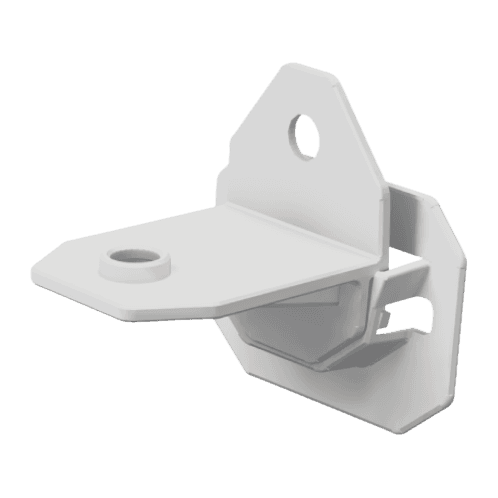
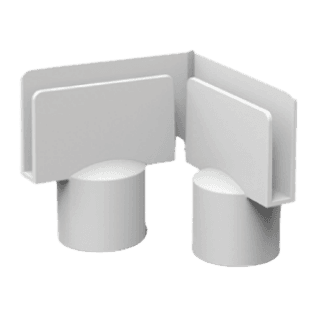
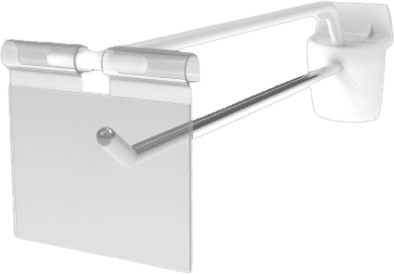
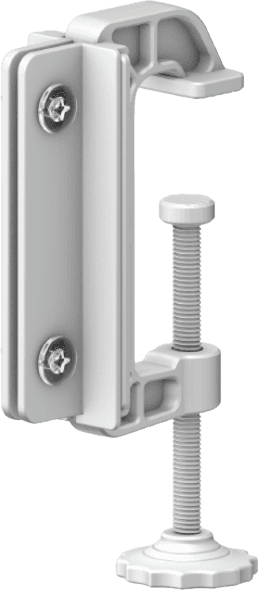
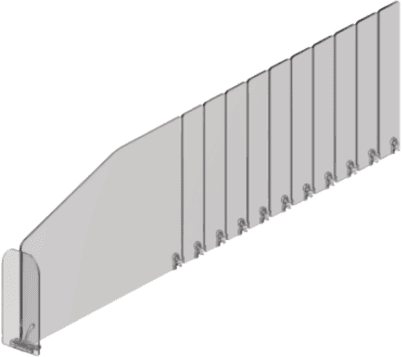
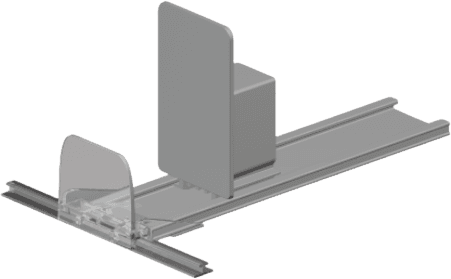
The parts that keep a unit standing matter as much as the body. For detail on hooks, label holders, pusher systems and dividers, we recommend our store equipment guide.
In summary
Placed in the right location with the right ergonomics, a POS display is the cheapest media space a brand owns inside a store. The decision centres on where the unit will go; typology, dimensions and material all follow from that answer. And the design decisions that ease store approval determine whether the project has a long life.
Share
Q & A
Common questions
Are POS and POP displays the same thing?
Technically they differ: POS refers to the till where the transaction happens, POP to the point where the purchase decision is made. In everyday industry language both are usually called POS displays; but when designing, the distinction of where the unit will stand does matter.
What is the ideal size for a till-point unit?
There is no fixed standard because counter dimensions vary between chains. In practice the footprint is kept as small as possible and height is limited so it does not block the cashier’s line of sight. The best approach is to learn the target chain’s counter dimensions at the start of the project.
How many units should a POS display hold?
Capacity follows refill frequency. The goal is that the unit does not empty between store replenishment cycles. If refilling happens weekly, the unit is designed to hold a week of sales, calculated from the product’s rate of sale per store.
Why might a store refuse our display?
There are three common reasons: the unit takes too much space, it adds refill work for store staff, or it is not durable. All three can be solved at design stage — a small footprint, easy top-loading refill and a scratch-resistant surface noticeably ease approval.
Can we use the same stand for different brands?
Yes. When the body is produced in a neutral colour and headers and side wings are designed as interchangeable parts, the same tooling can serve multiple brand dressings. This approach lets the tooling investment be shared across several projects.
Where in the store should a POS unit go?
Three positions dominate: the checkout queue (low-priced, fast-decision products), the aisle end (high traffic, has to read from a distance) and directly in front of the product’s own category (as a reminder). The location decision also sets the typology, the size and the header height.
How is the effect of a POS unit measured?
The most reliable method is comparing stores that received the unit with similar stores that did not, over the same period; a before-and-after look at a single store cannot separate seasonality and promotions. Tracking weekly units sold per display alongside display duration also shows when a unit begins to fatigue.